Six nostalgic film looks
Move from warm 1970s color to creamy instant film, faded prints and classic silver-screen monochrome.
Turn a modern photo into a memory. Add authentic film color, soft fading, grain, dust and a cinematic vignette—free, private and ready to download.
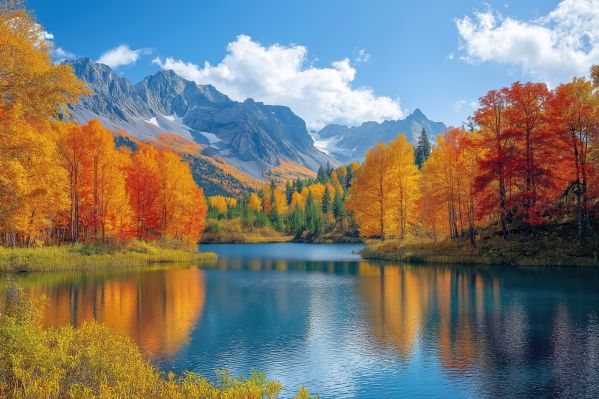
A convincing retro look is more than a sepia wash. This vintage photo editor layers period-inspired color, faded contrast and physical film texture while keeping every choice easy to control.
Move from warm 1970s color to creamy instant film, faded prints and classic silver-screen monochrome.
Add fine grain, soft edge falloff, dust and scratches for an effect that feels tactile rather than flat.
Drag across the photo to see exactly how the vintage filter changes color, contrast and texture.
Choose a JPG, PNG, WebP or GIF, or drag the image straight into the film lab. A demo image is ready if you want to explore first.
Choose 1977, Instant, Matinee, Postcard, Faded Print or Silver Screen as your starting era.
Fine-tune filter strength, warmth, color fade, grain, vignette and dust while the preview updates instantly.
Drag the before-and-after line, then save a high-quality vintage copy with no account or watermark.
Older photographs changed with the film stock, lens, print paper and years of storage. The most believable digital vintage effect combines those cues gently instead of pushing one color over the entire image.
Amber highlights and softened blues suggest aged print paper and sun-warmed color film.
Lifted shadows and quieter saturation recreate the soft tonal range of an old photo.
Fine irregular texture brings back the physical feel of film without hiding the subject.
A subtle darkening at the edges draws attention toward the center like a vintage lens.
Upload a photo, select a film-inspired preset, adjust the finishing controls and choose Download vintage photo. The before-and-after slider helps you judge the effect before saving.
Common vintage photo cues include softened contrast, muted or amber color, lifted shadows, film grain, darkened corners, dust and light scratches. This editor lets you balance each cue separately.
Yes. It is free to use, requires no signup and adds no watermark to the downloaded image.
No. Your image is processed locally inside your browser. It is not uploaded to My Panda Toolbox or saved by this tool.
Yes. Choose the Silver Screen preset for a classic monochrome film look, then adjust grain, fade and vignette to taste.
Yes. The page is designed for current mobile and desktop browsers, including touch-friendly sliders and image upload.
Keep editing with fast, private tools that work directly in your browser.